How to move an object along a sine curve in Unity?
Today we solved a small task of moving objects along a given trajectory. In our case it was a sine curve.
Scene setup.
There is a minimal set of objects in the scene: a camera, a light, a cube and a sphere. The camera is rotated by 90 degrees around the X axis and lifted up along the Y axis, so we’re looking at the scene from above. The cube has a Rigidbody attached, with the Use Gravity property disabled. The sphere has just a regular SphereCollider.
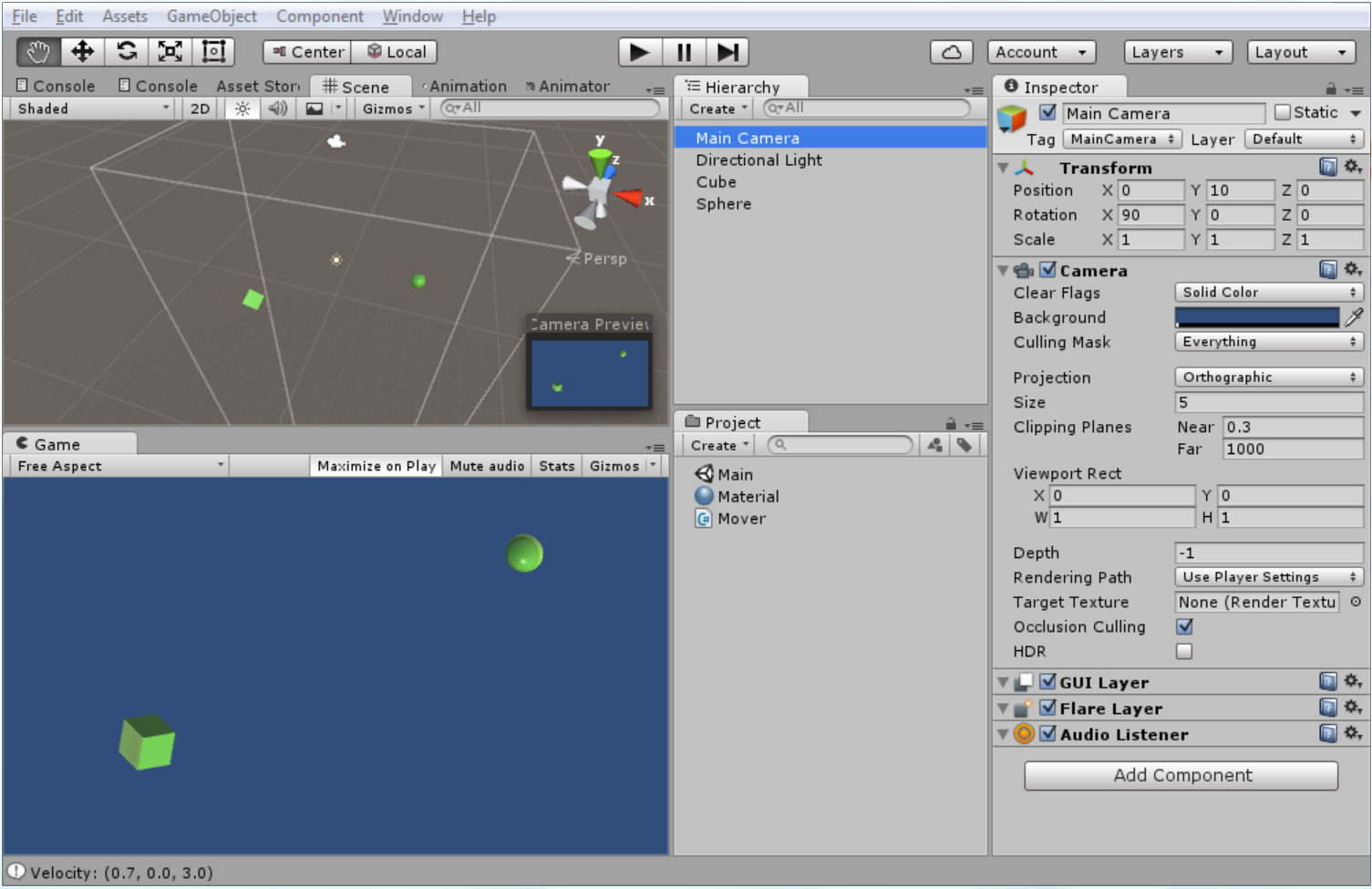
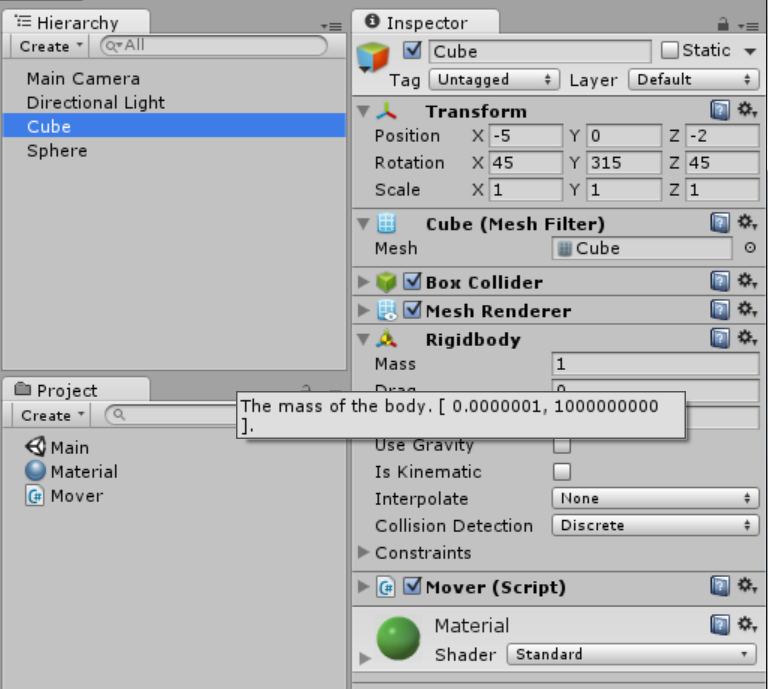
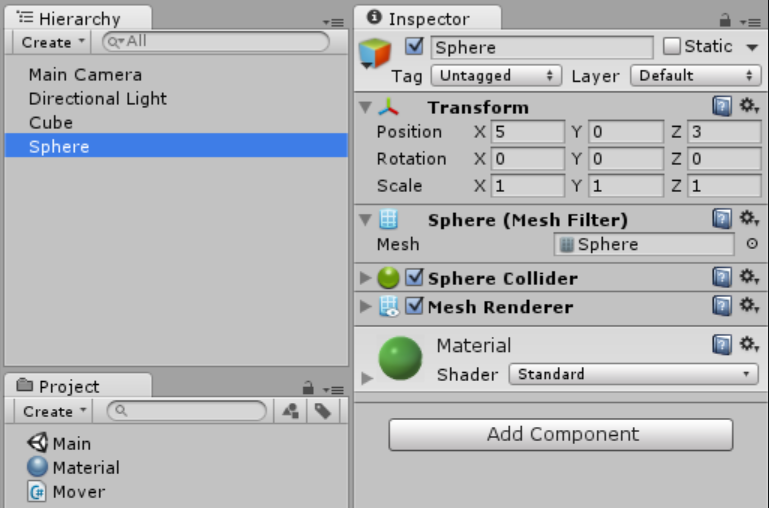
Mathematical background.
We want to move the Cube towards the Sphere, adding a sinusoidal vibration perpendicular to the direction of movement. First, we need to calculate the direction vector and a vector orthogonal to it. We will multiply the orthogonal vector by the result of the sine function (time is the argument).
Scripting.
Attach the Mover script to the Cube object. In the Start() method we save both vectors and the start time. Finally, the main magic happens in a single line of code in the FixedUpdate() method. We need to calculate the magnitude of the orthogonal vector using the classic formula of periodic vibration: y = a * sin(w * x), where a is the amplitude of vibration, w is the frequency of vibration, and x is time in our case. After that, we add the two vectors and assign the result to the Rigidbody’s velocity.
using UnityEngine;
using System.Collections;

public class Mover : MonoBehaviour {
    public Rigidbody rb;

    public Transform target;
    public float speed;
    public float amplitude;
    public float frequency;

    private float startTime;
    private Vector3 direction;
    private Vector3 orthogonal;

    void Start() {
        startTime = Time.time;
        direction = (target.position - transform.position).normalized;
        orthogonal = new Vector3 (-direction.z, 0, direction.x);
    }

    void FixedUpdate () {
        float t = Time.time - startTime;
        rb.velocity = direction * speed + orthogonal * amplitude * Mathf.Sin (frequency * t);
    }
}
That’s all! You can download all sources from GitHub.